Free brain games: what the free versions really include
Transparency: Brain Games is made by AppRadar, the publisher of this website.
Free brain games can offer real daily practice or just an initial sample. Brain Games lets you practice and progress for free every day with three games; Pro expands the number of challenges and the free choice.
Free should explain what can be done
Free brain games don't always mean the same thing: some apps allow full daily sessions, others show only a few levels, and still others rely on ads. With Brain Games, you can practice and progress every day for free with a three-game plan, according to the product description. The Pro version expands the number of games in the plan and the free selection from the catalog; you don't need to pay to continue your daily practice.
Before installing any app, ask what happens after the first day. Does it offer more activities? Does the difficulty increase? Does it require an account, ads, or a trial subscription? A specific answer is more helpful than a large number of games advertised in a screenshot. The store listing is a good starting point, but check the actual experience in your region and version.
The free version of Brain Games
The App Store entry for App Store lists one sample game for each of eight areas, a daily plan of three games, a learning deck, three memory techniques, and progress tracking. Daily practice allows you to keep playing and progressing; the limit on individual samples doesn't mean you have to buy to come back tomorrow. It's important to distinguish between the games chosen by the plan and the free selection of any game.
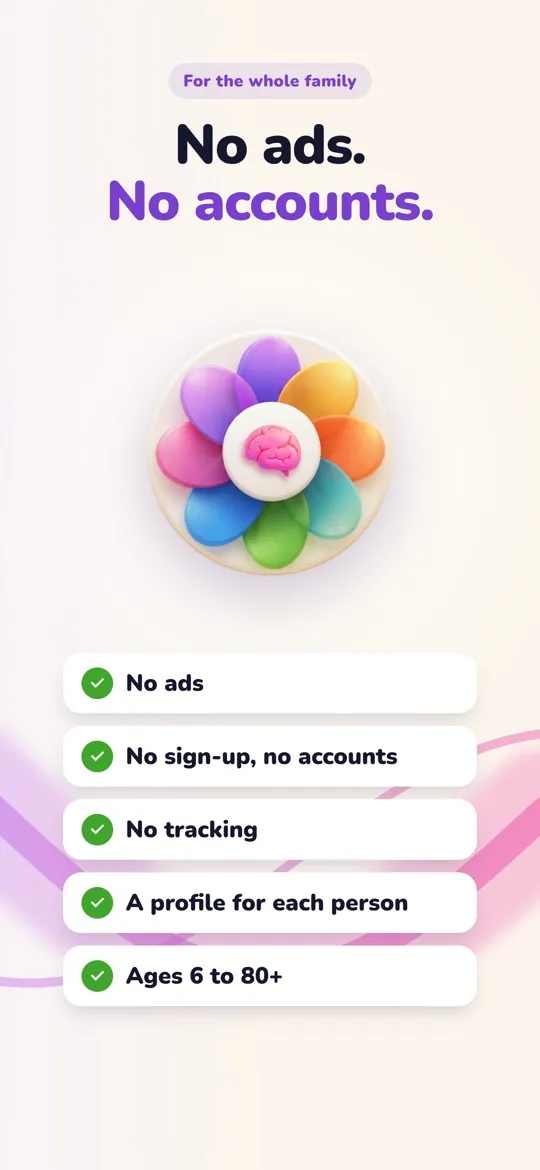
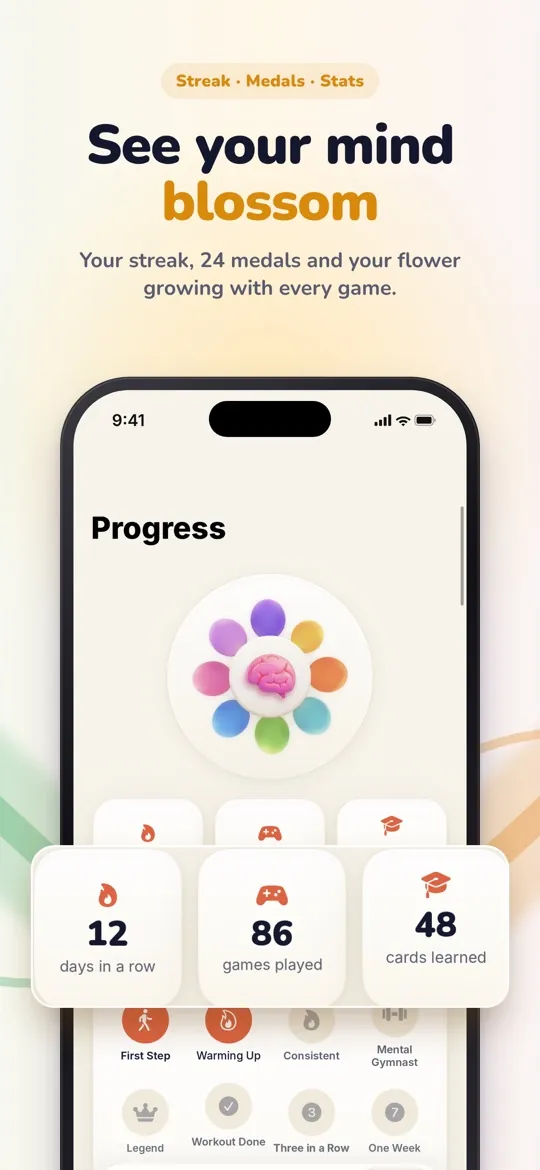
The app states that it is ad-free, account-free, and tracking-free. This may make the free experience simpler for a family, although Apple's privacy statement comes from the developer and has not been verified by Apple. Review the permissions and current policy. The app stores local progress according to its listing, so it's worth understanding what happens if you switch phones.
The flower and level display shows internal activity. Don't pay expecting a subscription to turn that statistic into a medical test. The free version is already sufficient for exploring the rules, developing a playing habit, and discovering which areas interest you.
What Pro adds and who it makes sense for
Cerebro Pro lets you freely choose from more games, access the full catalog, and expand your daily plan to include more challenges. It also adds decks, techniques, details, and familiar options described in the game's description. This might make sense if you enjoy specific tasks that aren't included in your free selection or if several people want more variety.
The Spanish store lists a monthly subscription, an annual subscription, and a one-time purchase. Don't commit to a price without checking the country and purchase date: offers, taxes, and conditions vary. A free trial subscription may automatically renew; read when it ends and where to cancel. Purchasing is a choice of options, not a requirement for cognitive benefit.
If you're still unsure which games you like, try the free daily practice first. Over several sessions, see if you understand the instructions, if the difficulty level suits you, and if you want to return. A purchase driven by fear of "losing" a winning streak isn't a good foundation.
Other common forms of free
Some apps open a small catalog with a subscription for more games. Others use ads between games or require an account to save progress. There are apps that offer all activities without in-app purchases, but perhaps they focus on only one type of task. No model is automatically good or bad: it's important to understand its conditions.
A comparison table should include five columns: replayable games without paying, level progression, ads, mandatory registration, and upgrade cost. Add accessibility, language, and family options if they matter to you. Don't assume "no ads" just because you didn't see them during a short trial; check the game's details and policy.
If an offer shows a crossed-out price, check the amount that will be charged and the period. Read the store's confirmation screen, not just an internal banner. A child should not be able to make purchases without adult intervention.
Free outside of apps
Brain games don't start on the phone. A Schulte table on paper, card matching, a riddle, an object list, or a printed Sudoku puzzle can all be free. The digital advantage is the ability to adjust rules, track progress, and offer variety; the advantage of paper or conversation might be a more comfortable or social format.
Choose according to your goal: if you want to practice recalling a new word, use a flashcard and a real sentence; if you prefer logic, try a puzzle; if you're looking for a family activity, try turn-taking cards. There's no obligation to explore all eight areas of an app to justify the experience.
An elderly person may prefer a book or a board game. A child may enjoy matching physical pairs. The fact that it costs nothing doesn't make a screen the only option or a superior solution for everyone.
How to compare without cognitive promises
The review of commercial programs does not support attributing general improvements in memory or daily life to these apps. The NIA urges caution regarding advertising that presents games as a treatment. This evidence doesn't determine which interface you'll like best, but it does indicate which promises are best disregarded.
A sufficient free version can offer entertainment and practice for specific tasks. If you achieve a high score, you've made progress within specific rules. If you remember a capital city outside the app, you've learned a fact. These are different and verifiable results, without any talk of "rejuvenating the brain."
Compare apps based on the experience you'll actually use: clarity, consistency, privacy, and cost. Review the terms and conditions whenever a version changes. Accurate guidance on what's free is more valuable than a promise of unlimited access that vanishes the next day.
Checklist before downloading
Read the official information for your country and look for "in-app purchases." Identify the free portion, the number of daily games, and whether they can be repeated. Check for ads, account and profile features. Look at device requirements, languages, and accessibility.
Then, use the app for free for several days. If it asks you to pay for a feature you don't need, skip it. If you like the daily plan and keep progressing, you may already have everything you were looking for. If you need to choose a specific game or expand your practice, compare Pro with other options.
Keep your decision in simple terms: what you can do without paying and what you're buying for convenience or variety. That way, you can explain to someone else whether the free version is useful to them without relying on a slogan.
An example of a seven-day comparison
For one week, try a free app each day without activating premium trials. Note whether the next day's activity is still open, if the level changes, if ads or a registration screen appear, and if you can easily exit. On day seven, review which one you'd like to use again. This hands-on observation is more reliable for your preferences than a ranking based solely on the number of downloads.
If the catalog seems too extensive, ask which games are free to select and which only appear in an automatic plan. Games for the Brain offers daily practice without payment, but Pro offers a wider selection of games. This difference might be irrelevant if you like the daily selection, but crucial if you're looking to repeat a specific challenge.
When evaluating ads, distinguish between third-party advertising and a screen offered by the Pro version. Both can be disruptive, but they have different implications for privacy and user experience. The Pro version's listing states that it is ad-free. If another app asks for an account, read what it's used for and how to delete it. Don't complete the purchase for fear of losing a supposed cognitive benefit: the cited research doesn't justify that pressure.
If you share a phone with someone else, check if the app saves separate profiles without registration. Also, note if you can continue the next day when the plan ends. These two questions reveal more about the free version's usefulness than a launch announcement. The selection of Brain Games changes depending on the areas you practice; the Pro version is for those who want to add challenges or choose them at will. Choose based on the real experience, not on a supposed obligation to train.
One last check: if a store listing changes its terms, update your comparison. "Free" is defined by what you can do today, not by an old review or slogan.
Frequently Asked Questions
Can I progress for free every day in Brain Games?
Yes. The free version offers daily practice of three games and allows you to continue progressing.
Why would I pay for Pro?
For more games in the daily plan, freely choose from more challenges and access expanded features.
Does free mean no ads?
Not always. This app's listing states that there are no ads; check the terms and conditions of other apps.
Do I need an account?
This app's listing says no; check each alternative separately.
Does the free version improve overall memory?
A general improvement cannot be promised with any version of a commercial app.
Sources
Reviewed November 12, 2026. App Store Spain; NIA, Cognitive Health; Review of Commercial Programs. Commercial features are from store listings; scientific conclusions are not the result of an evaluation of this app.