Latido: week-by-week pregnancy app for iPhone and Android
Transparency: Latido is made by AppRadar, the publisher of this website.
What is Latido
Latido is a pregnancy tracking app. The description on the App Store describes it as offering a visual representation of development between weeks 4 and 40, information on bodily changes, a journal, and tools to prepare for childbirth. Latido is also available on Google Play; check the version, compatibility and local availability in each store.
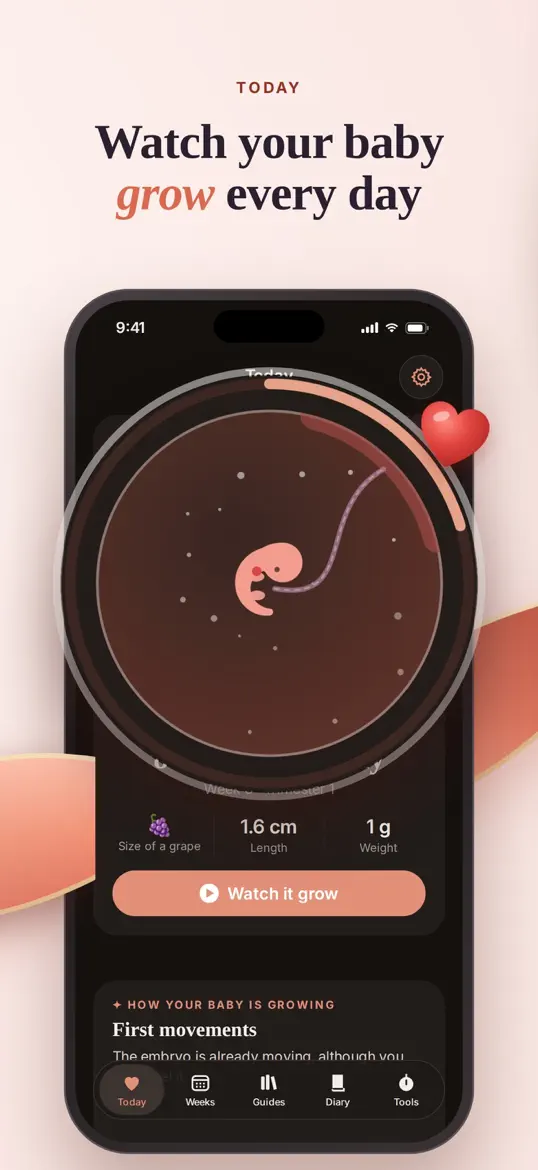
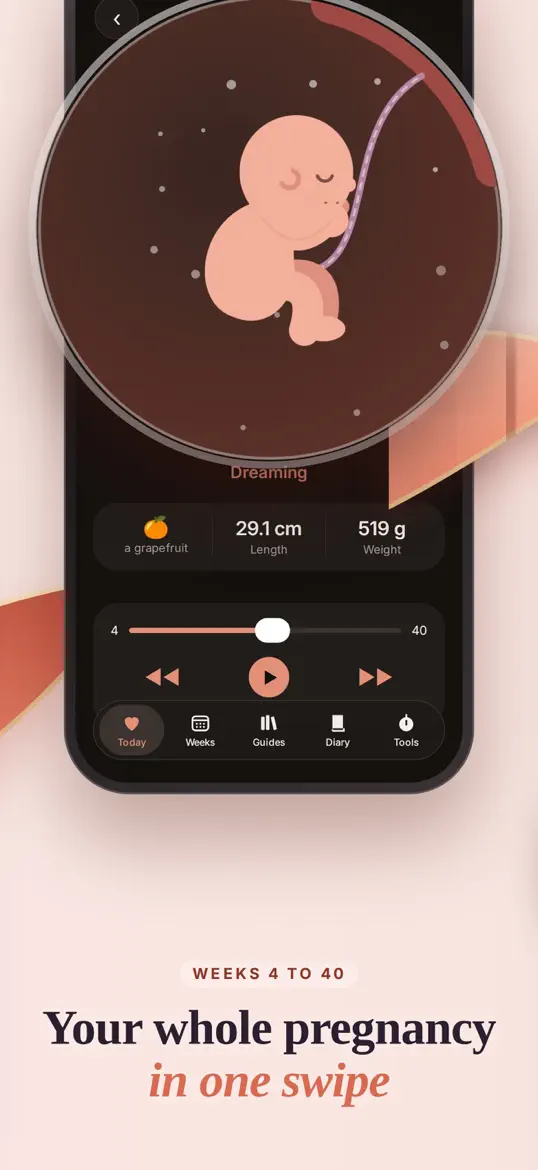
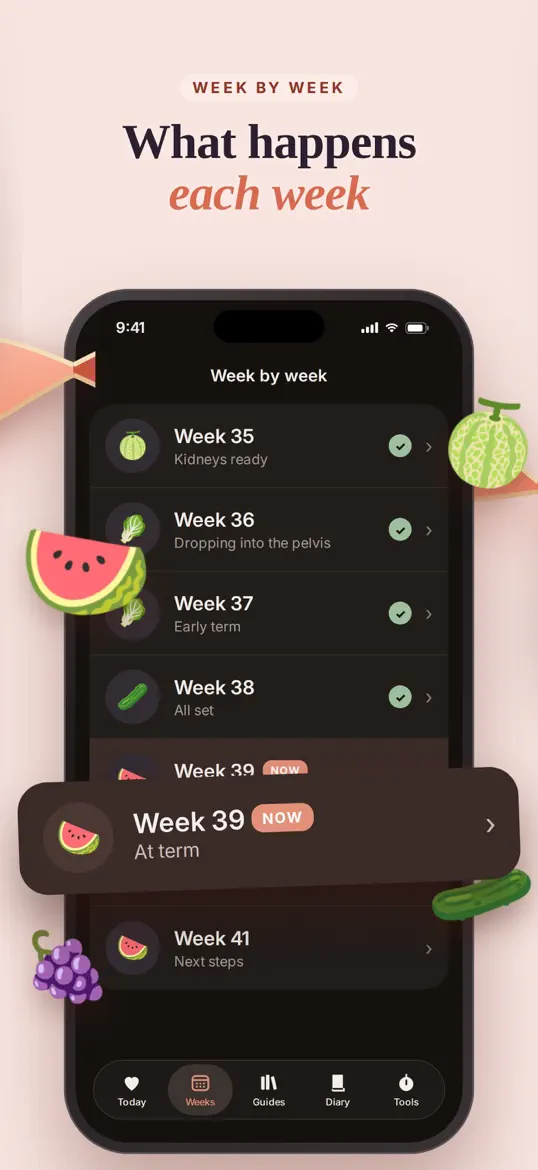
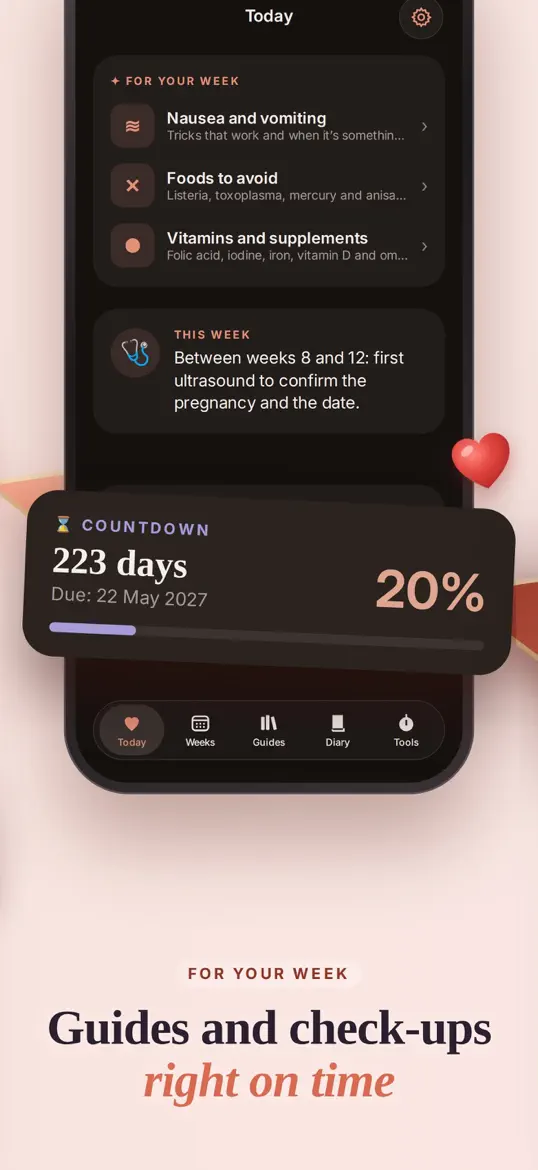
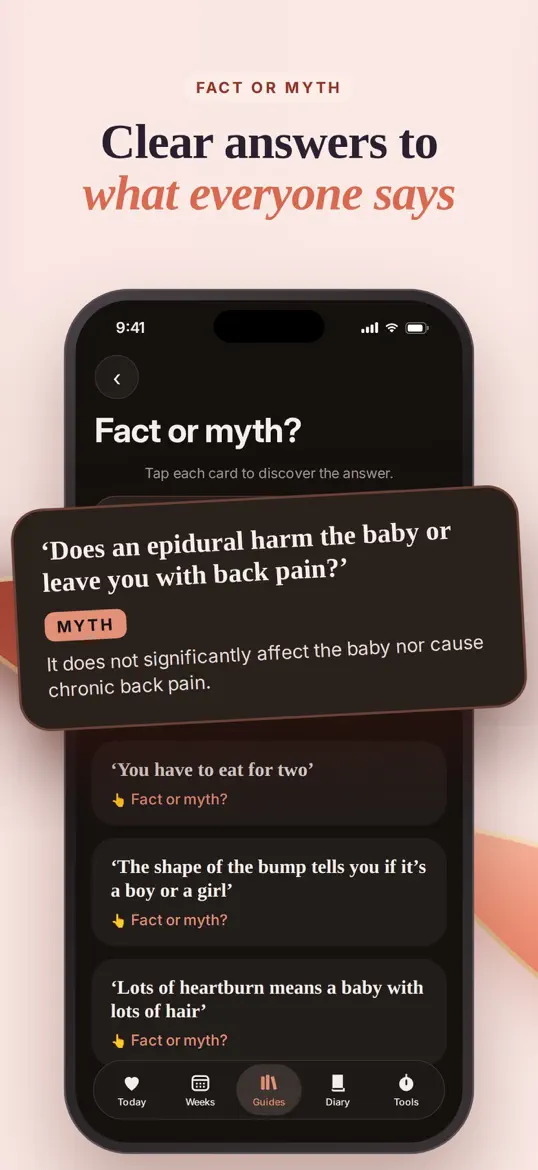
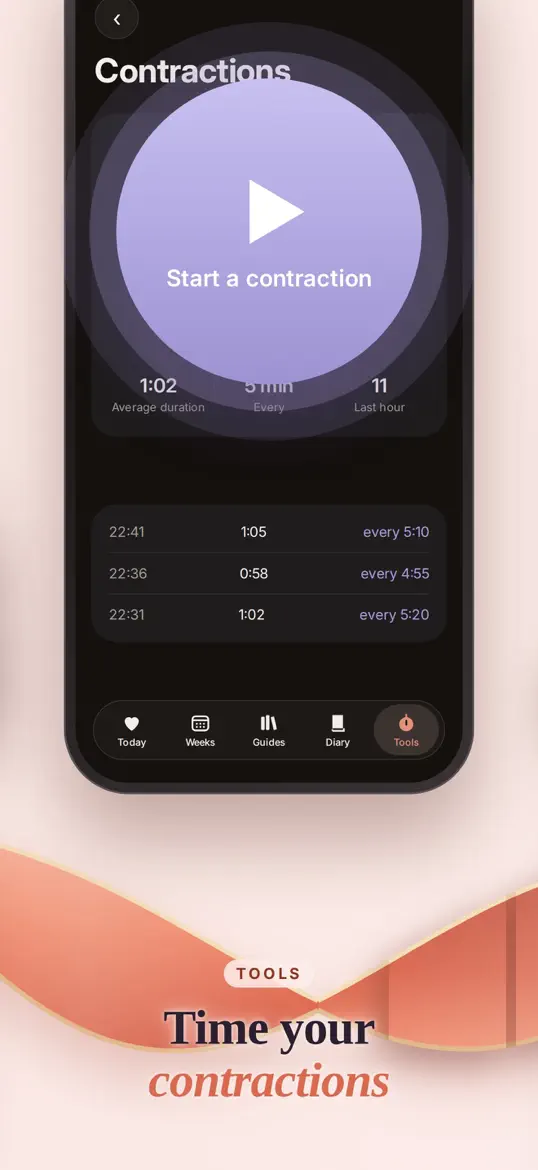
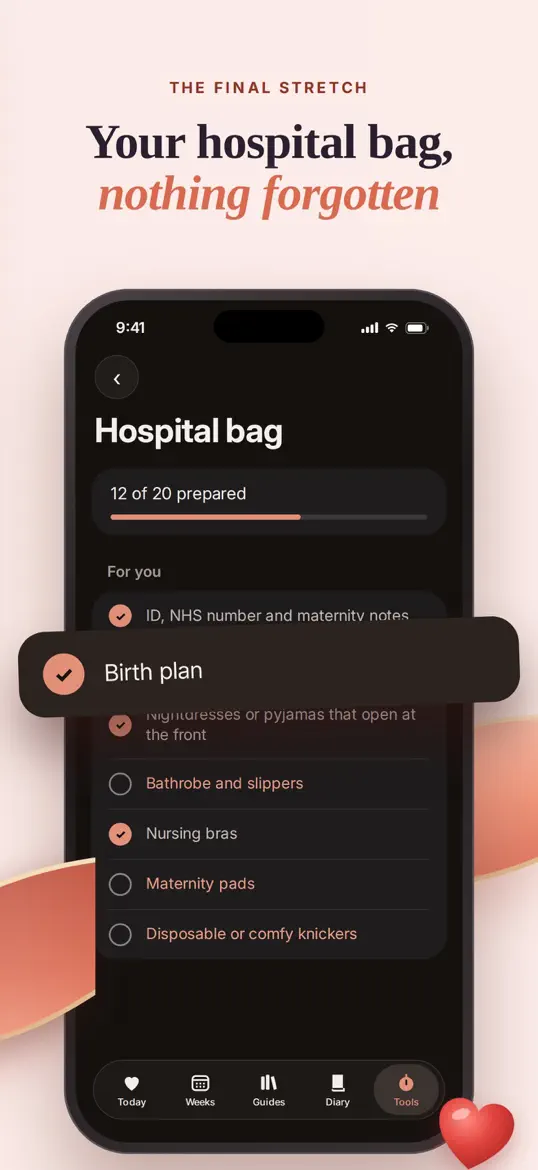
App Store screenshot of Latido. The illustrations are approximate and are not a medical measurement.
Its purpose is to gather general information and personal memories in one place. It is not a medical device and does not confirm scan results. The description indicates that it relies on sources such as ACOG, NHS, WHO, and SEGO. A cited source does not mean that an institution has approved or certified the app; your healthcare team's recommendations take precedence in your case.
Baby development and body changes
The visualization allows you to navigate through the weeks and see an illustration that changes with each stage. The listing mentions size comparisons to fruits, estimated length and weight, common symptoms, and suggestions for appointments and tests. The comparison is for educational purposes, and the values do not necessarily describe an individual baby.
According to ACOG, pregnancy is usually counted from the first day of the last menstrual period and organised into three trimesters. This explains why a weekly figure may differ from what someone understands as the time since conception. If an ultrasound changes the estimated due date, use the gestational age established by your healthcare provider.
The appropriate tests and vaccines depend on the healthcare system and your personal circumstances. Use the information for the week to prepare questions: what test am I being offered, what does it detect, when will I know the result, and what should I do if a worrying symptom appears.
Journal and tools
The listing describes a record of how you feel, symptoms, and weight with a graph, as well as a weekly photograph. You can choose to record only what you find useful. A note about when a discomfort began and how it affects your activities can be helpful in a consultation, but a weight graph alone is not enough to interpret your health or the baby's.
A kick counter, contraction timer, and hospital checklist are also described. These are tools for recording and organizing your pregnancy. If your baby's movements decrease or change pattern, the NHS recommends contacting maternity immediately; don't wait for the counter to register a number. Contractions and other signs will be assessed based on your individual situation and the centre's guidance.
The hospital checklist is a starting point for reviewing documents, clothing, and personal items. Ask what the facility provides. Having emergency contacts and arrival directions ready is especially helpful.
Free access, purchasing, and privacy
The iPhone listing shows a free download with in-app purchases and describes Latido Plus as a one-time payment with no subscription. Plus includes additional guides, information on food and myths, and weekly tasks, according to the description. The price may vary by region or over time; please check the purchase screen before paying.
The description advertises account-free and ad-free use, and that data remains on the iPhone. Review the privacy policy, permissions, and specific Android implementation before assuming the same storage on both systems. If you store photos or health information, check the backup and deletion options available in your version.
The listing we consulted lists numerous languages. The number advertised in the promotional text may differ from the store's official language list; please confirm that your language and the screens you need are translated before relying on that feature.
Who might find this useful
Latido might be of interest to you if you want to see the stages of pregnancy, keep a simple journal, and prepare questions or a hospital bag. It can also help a partner follow the weeks and understand the terminology used during appointments. If you are looking for a diagnosis, ultrasound interpretation, medication advice, or an urgent care channel, you need professional help.
Try the app with a specific task: check the week your midwife indicated and write down two questions for your next appointment. If the information clarifies the context without replacing your checkups, it's serving a reasonable purpose. If a screen suggests an emergency, or you suspect one, use the local healthcare contacts.
A positive pregnancy experience isn't measured by completing every checklist or taking every photo. You can use the app as much or as little as you need, adjust notifications, and return to confirmed clinical data whenever you have questions.
A five-minute usability test
After installing it, verify that the week shown matches the gestational age used by your care team. Browse the illustration and locate the explanation of the bodily changes. Then, try saving a brief note and see how you would retrieve it during a consultation. Check if the hospital checklist can be adapted to your centre's guidelines. This simple test reveals whether the app is useful in practice.
Before paying for Plus, identify a specific guide you want to use and check if its content answers your questions. Don't confuse access to more articles with personalised attention. For questions about food, exercise, or medication, individual circumstances can matter a lot. The app can provide the context to formulate a question, and the professional can advise you based on your health and local recommendations.
If you share your phone, consider whether you want to protect access to your journal and photos using device controls. Read what happens to your data when you switch phones or uninstall the app. The promotional phrase "your data stays on your iPhone" describes the iPhone version; it does not demonstrate the behaviour of Android or system backups.
Limits and content updates
A new app can change rapidly. The store listing reflects a version at a specific date, but screenshots, pricing, languages, and features may change. Review the release notes before publishing a comparison and check each platform separately. This article describes announced features, not a clinical accuracy assessment or comprehensive testing across all devices.
The most useful medical resource is the one that answers a specific question and explains its limitations. ACOG provides information on how weeks are counted; the NHS explains when to seek medical advice for changes in movement. The app can link to or summarize resources, but a summary is not a substitute for individual instruction. If something on the screen seems contradictory, ask a healthcare professional for clarification and use emergency services for warning signs.
Latido combines visualization, journaling, and preparation in an accessible format for tracking pregnancy. Its potential value lies in facilitating organization and communication. Clinical peace of mind isn't something you buy in an app store: it comes from prenatal care, assessment when needed, and the ability to ask questions without waiting to complete a checklist.
An additional criterion for deciding if an app is right for you is how it answers your questions. Look for clear titles, identifiable sources, update dates, and an explanation of when to contact the healthcare system. If advice is phrased as a universal promise or turns an approximate measurement into a diagnosis, ask for a more specific source. You can use the diary to collect questions about diet, activity, or symptoms, but not to decide on medication changes on your own. Another person can join you in reading and organizing the bag, as long as they respect your privacy preferences. Check the installed version regularly, as Plus's features and price may change. A review from another region or platform doesn't guarantee you'll see the same screens.
Frequently Asked Questions
Is Latido free?
The download is listed as free on the App Store, and there are Plus features available for a one-time purchase. Check the current price and content in your store.
Do I need to create an account?
The App Store description says it can be used without an account; check the behaviour of the version you install.
Is it available on Android and iPhone?
Links are provided for Google Play and App Store; please check compatibility and availability in your country.
Does Latido replace prenatal appointments?
No. The illustrations, lists, and records are meant to guide you and help you prepare questions. An app does not diagnose complications or replace the examinations, tests, and decisions of your healthcare team.
What do I do if the baby's movement pattern changes?
Contact your midwife or maternity unit immediately if movements become less frequent, weaker, or stop. Don't wait until a counter reaches a certain number or until the next day.
Sources and review date
Content reviewed on 11 November 2026. Sources: Latido App Store; ACOG, Fetal Development; NHS, Baby Movements. This information is general and does not replace individual assessment by a midwife or healthcare professional.